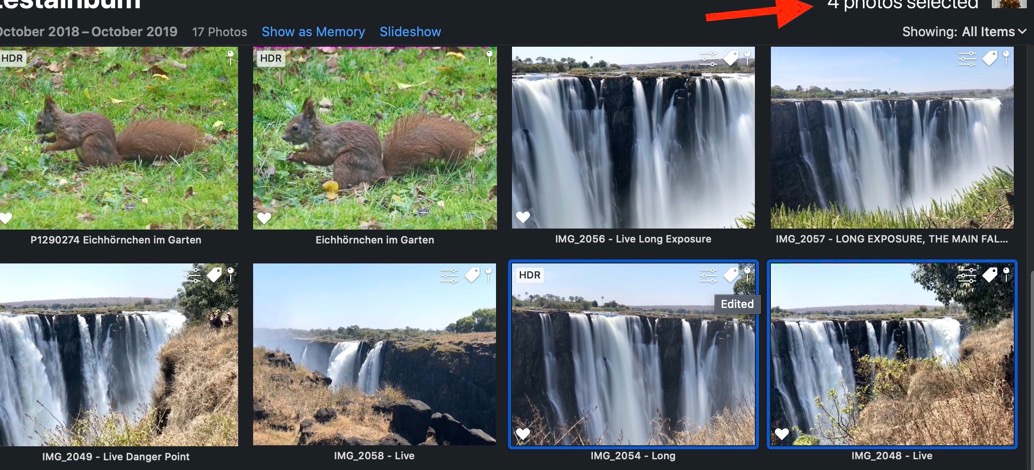
The command-delete ⌘⌫ key combination, pointed out by Old Toad, does still delete the selected photos anywhere. It is very convenient and I am using it a lot, also holding down the command key, to change the contextual menu. But it has a drawback (or advantage, depending on how you view it). When you delete with ⌘⌫ from an album or smart album, the photos will be deleted without any prompt "delete from all devices ". You have to check the number of selected photos in the upper right corner of the Photos window, before you use this key combination. Photos 5.0 on Catalina macOS 10.15.1 tends to keep photos selected, when switching between views, and there may be many more photos selected, then you are aware of. So check the number of selected photos in the toolbar, before you use ⌘⌫ .
For example: In the album are two photos selected, but the status message is showing four selected photos: