you can make the login screen match your user account's wallpaper. but you cannot set it as a separate image.
if you are the sole user (not even a guest account) AND file vault is turned off you can go to System Settings, in the Lock Screen tab, and set "Login window shows" to "List of users". then your login screen matches your desktop background.
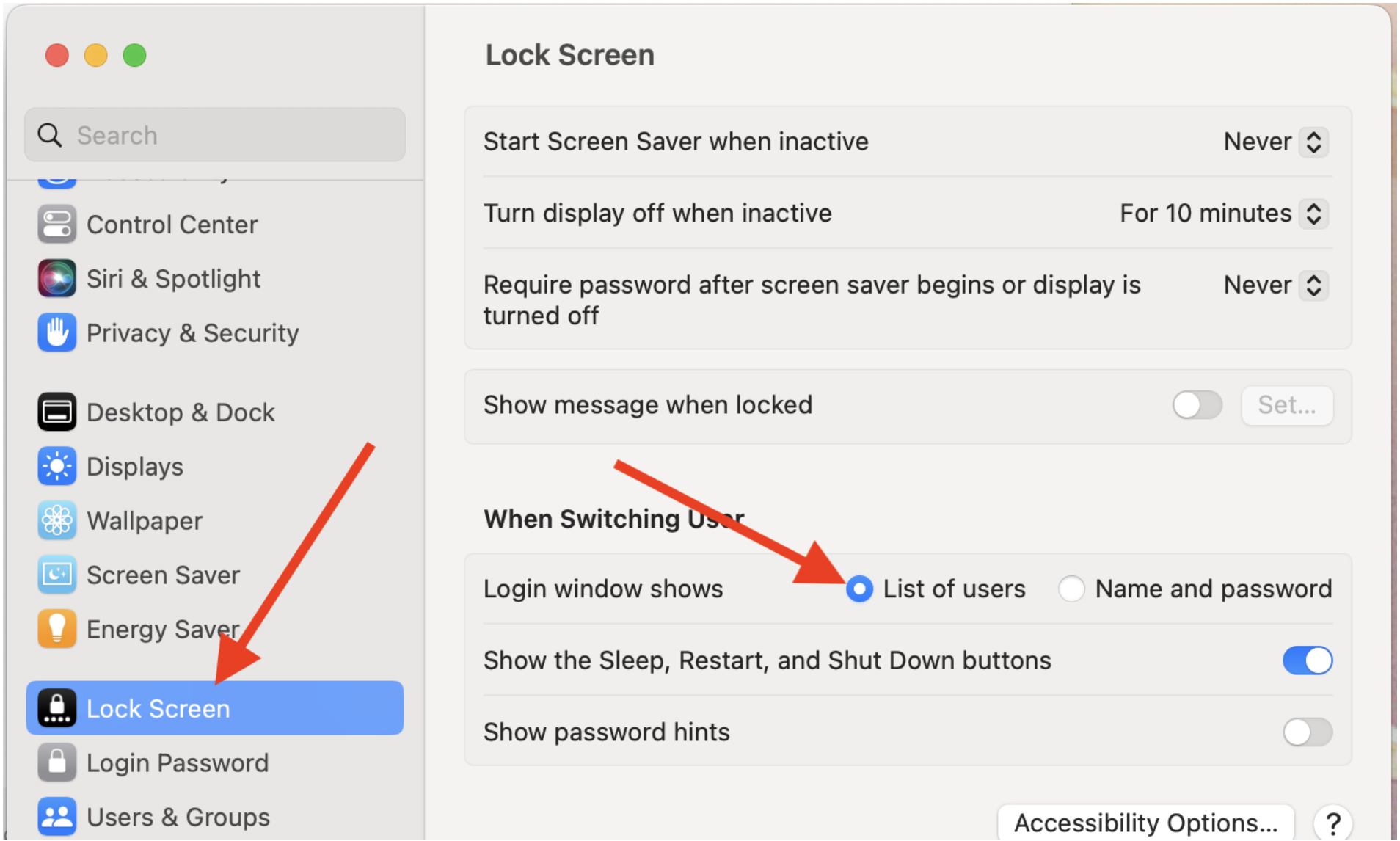
if you are using file vault or have multiple users, the above will not work. if that's your situation, you will need to wait for apple to address this. it may be worth your time to send feedback directly to apple. Feedback - macOS - Apple
 User level: Level 1 (7 points)