It says not your wallet when connected
Waxmonkey
 User level: Level 1 (4 points)
How to Reset leather MagSafe wallet
Posted on Dec 17, 2023 1:07 PM
User level: Level 1 (4 points)It says not your wallet when connected
Posted on Dec 17, 2023 1:07 PM

 User level: Level 10 (162,294 points)
Dec 17, 2023 5:14 PM
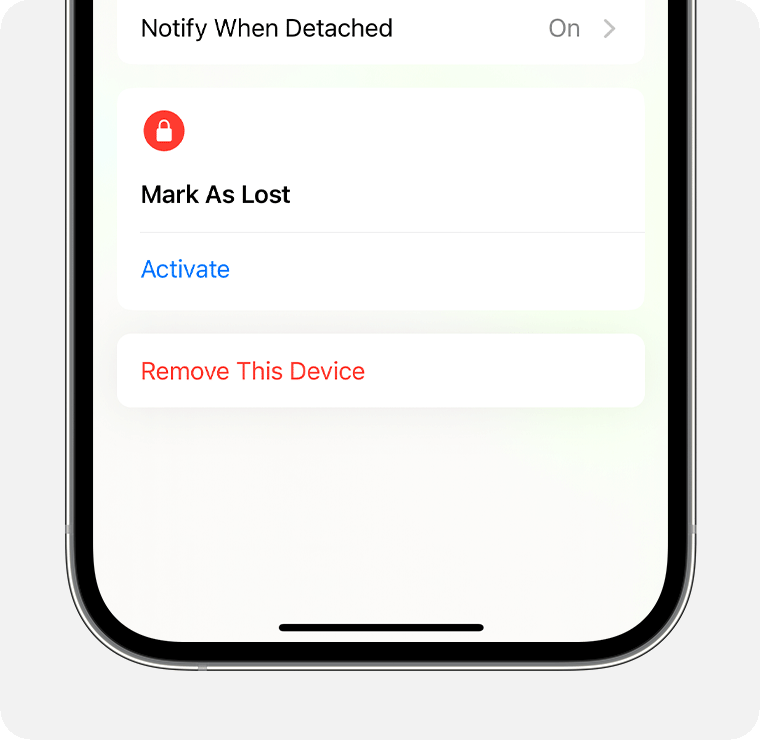
You will first need to remove the iPhone Wallet from Find My.
To do so:
User level: Level 10 (162,294 points)Dec 17, 2023 6:00 PM
It appears that Target sold you a returned & repackaged product that whomever had it before did not remove it from their Apple ID.
I suggest that you take it back and get a full refund. Whether or not, you want to get another one from Target, of course, is totally up to you. I would suggest that you 00004000 get it directly from Apple instead.
User level: Level 1 (4 points)Dec 17, 2023 5:44 PM
I just bought it from Target this way and not able to add it in my list of items to be able to remove it.
User level: Level 1 (4 points)Dec 17, 2023 6:46 PM
Thank you. 👍
Originally posted at discussions.apple.com/thread/255352081