Unofficial archive. This is a read-only, community-run archive of the Apple Support Community. It is not affiliated with or endorsed by Apple Inc.

Calendar is showing only blank colours and no text

My calender used to show all events across the month with the text on each day, now it is only showing blank colour blocks when looking at the month and I have to click on the day to see what the event is, how do I get it back to that I can see the text when looking at the full month view?


[Re-Titled by Moderator]

9 replies

Okay, that has to do with the view you have the calendar set on. If you look at the icon just to the left of the magnifying glass, that sets the view. You currently have it on Stacked. If you tap on that, it will bring up this menu.


If you tap on Details, it will show the color beneath the date to indicate there is an event, the color of course indicating which calendar it is in, and then it will show some very small text to show some of the detail. Here is a small example without me having to redact too much of my personal calendar.


Then this is the Compact version


Hope that helps.

In the stacked view use two fingers to “zoom out” you will feel the screen actually click when the text comes back on when in a zoomed out. You probably inadvertently made the screen too close in squeezing the text off of the stack.

Please check which is your Default email Account for the Calendar on your device? Settings > Calendar > Default Calendar



All the devices sync with an email client server which hosts your calendar. If you have a Calendar on iCloud that will not sync with Google Calendar. Settings > Calendar > Default Calendar [Choose what you want]. What you add (Event) on iPhone Calendar is synced with default calendar unless you have chosen a specific calendar at the time of event creation.


To which email account are the calendar events synced with your iPhone? This is not clear in your post

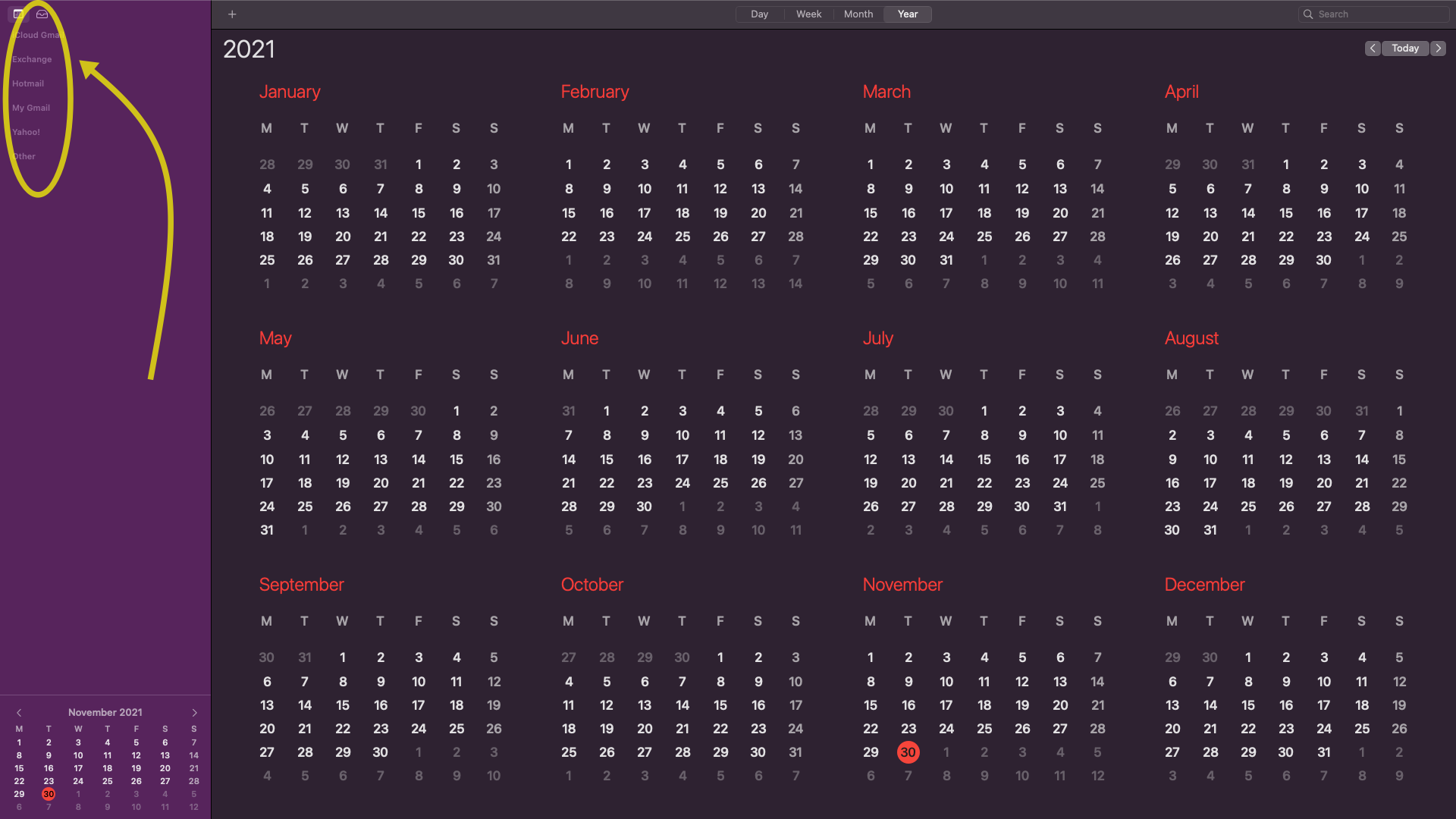
See the iPhone and Mac Calendar Pics below
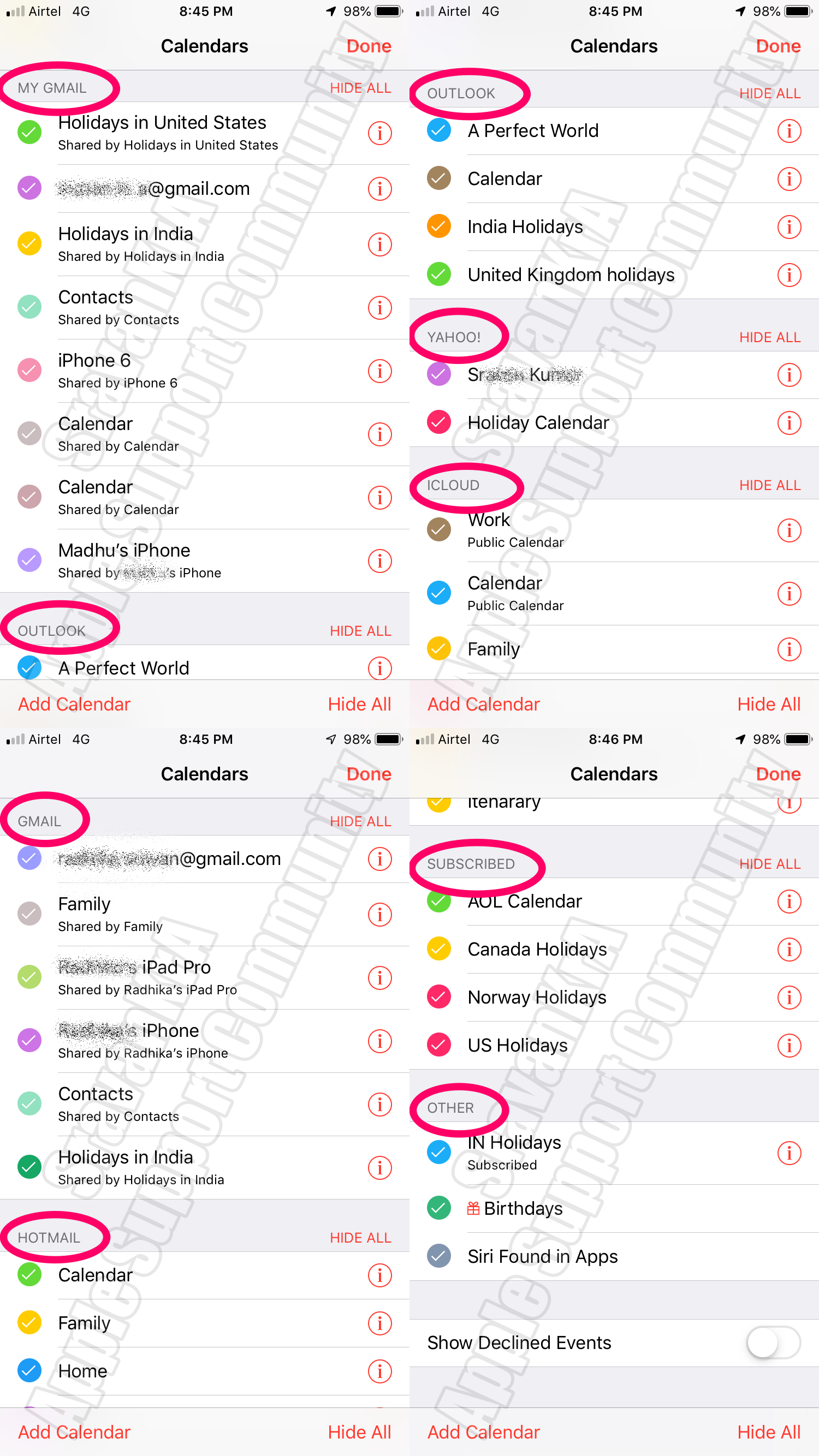


Which is your default calendar? Settings > Calendar > Default Calendar


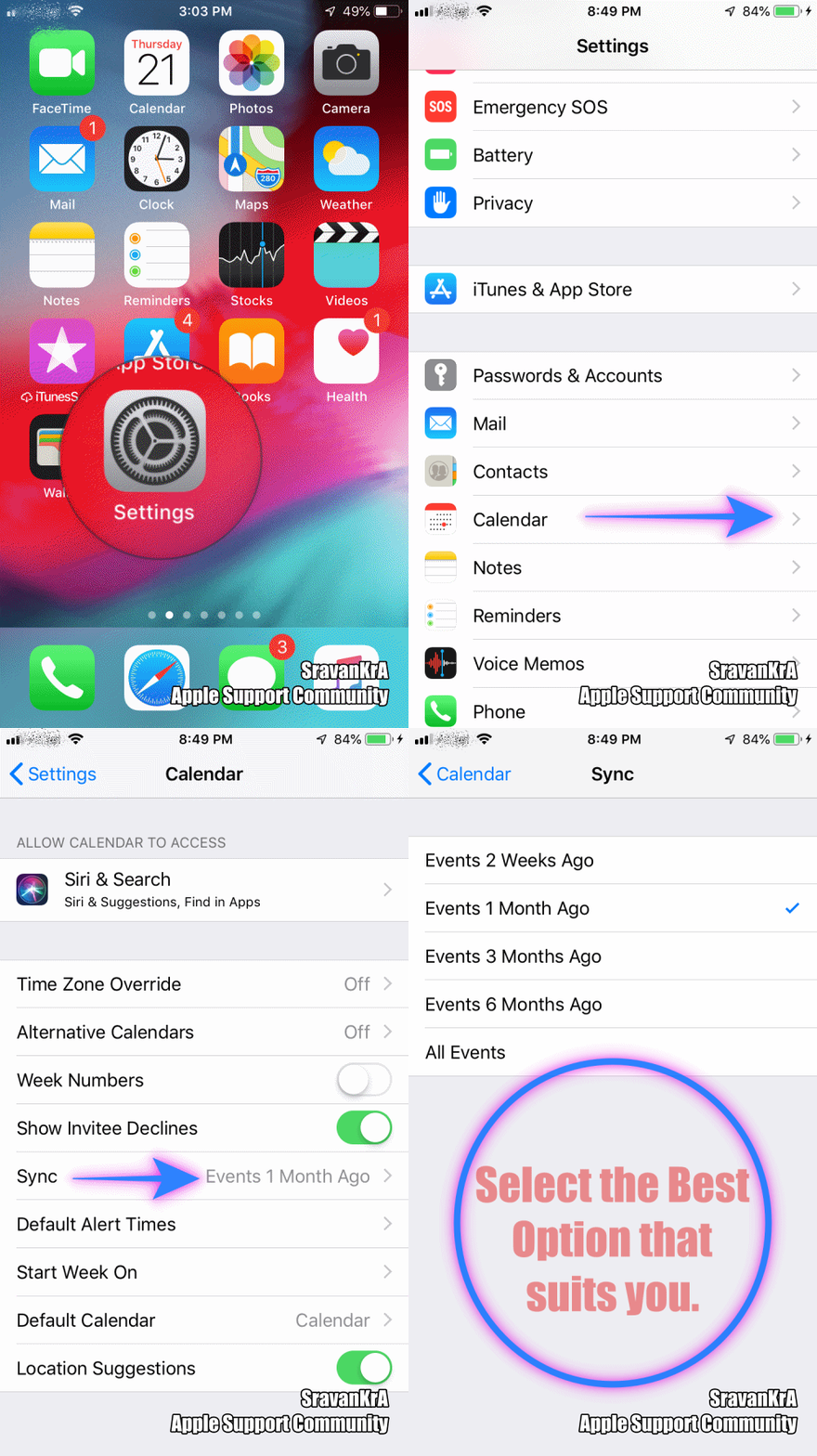
Settings > Calendar > Sync > [All Events] - Watch the GIF below

Try providing a screenshot of your calendar screen you are referring to. That makes it easier for someone to see your settings to determine what the issue may be and how to correct it. There are several different views you can have in calendar and you may be in one that is causing the issue you describe.

Same problem... help!

Genius, thank you for your help!!

You're welcome.

Worked like a charm!! So simple… I feel very stupid. Many thanks for your help.

You're welcome. Don't feel stupid. Things change, and we don't always understand what and why. You know what to do now, so you are good to go. Enjoy your device.